Memes & Internet 8 items to rank
Classic Memes tier list maker.
Make a tier list of classic image-meme templates, from Drake Hotline Bling to This Is Fine. Rank the formats themselves: which ones still make you laugh, which ones fit your group chat, and which ones you have seen enough of. The collection supplies the images; you decide the meaning of each tier and where each meme belongs.
Your opinion. Empty tiers. No account needed.
THE COLLECTION
The full starting lineup.
8 items, all unranked.
The order below is not a recommendation.
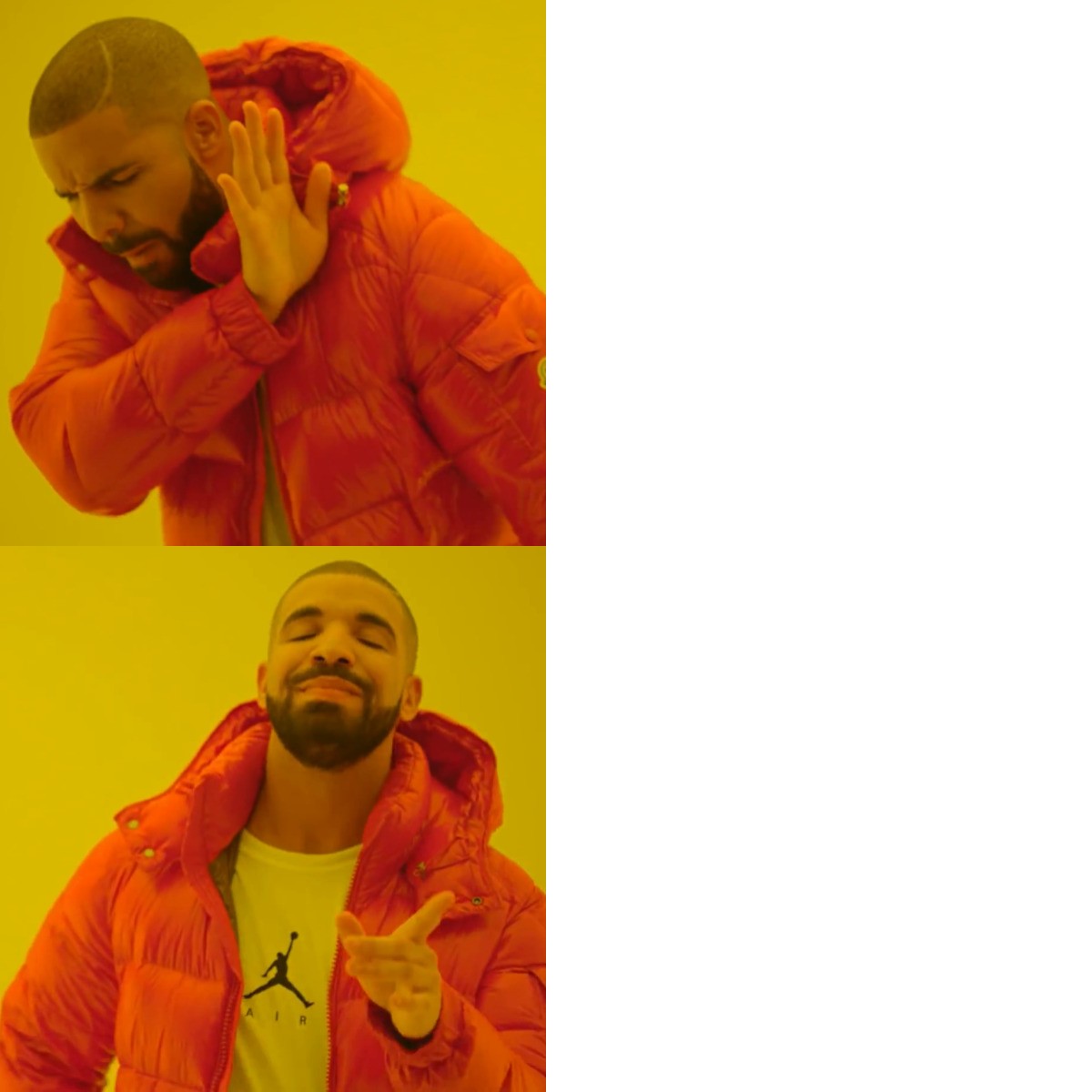 Drake Hotline Bling
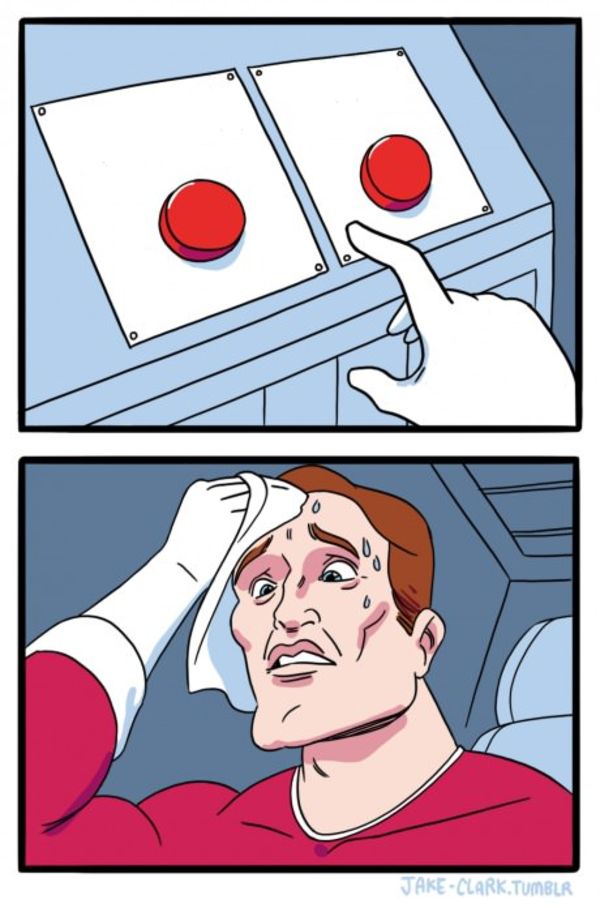 Two Buttons
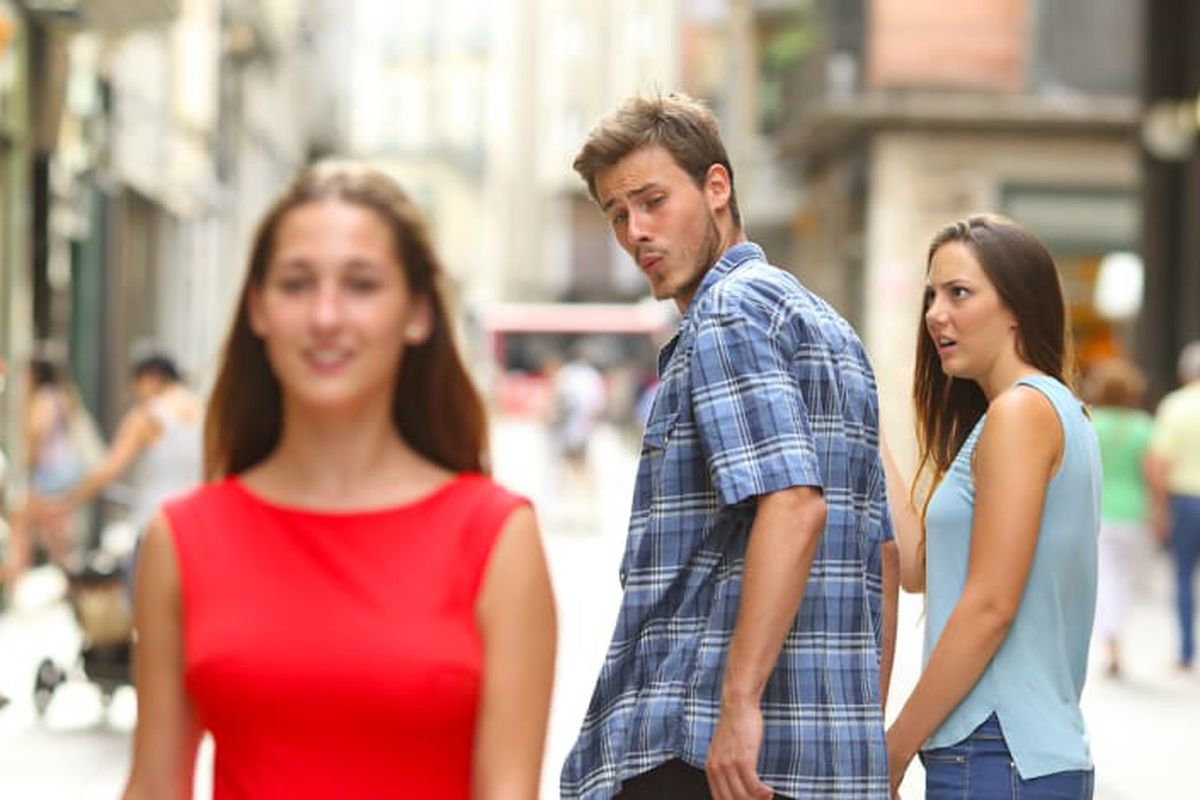 Distracted Boyfriend
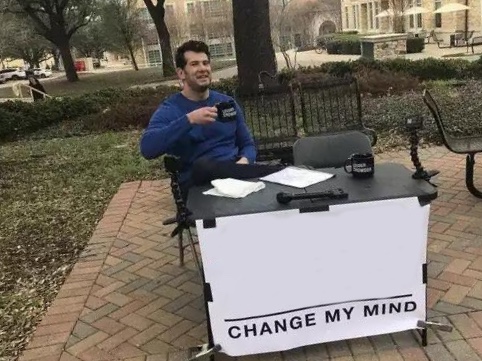 Change My Mind
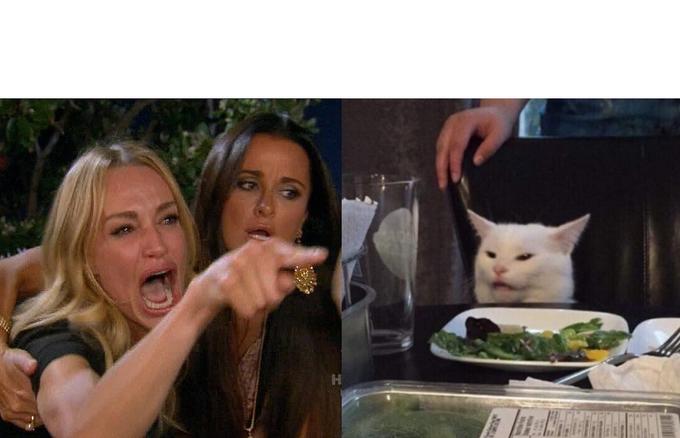 Woman Yelling At Cat
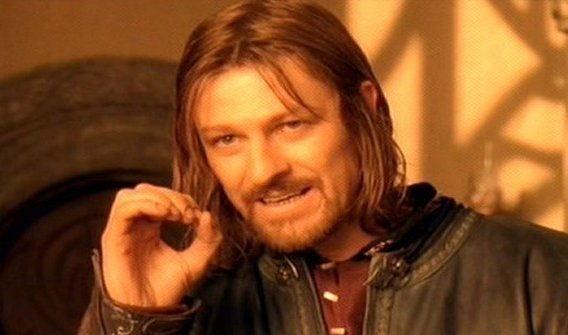 One Does Not Simply
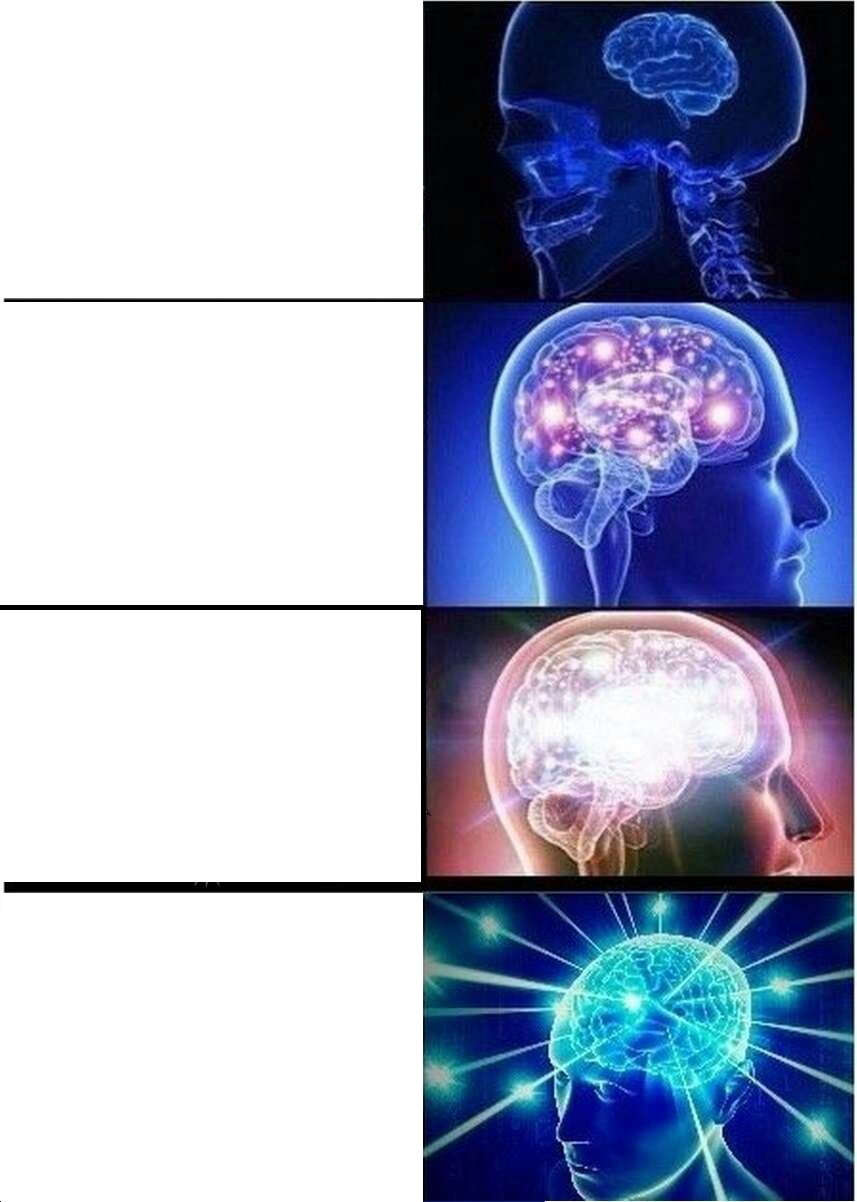 Expanding Brain
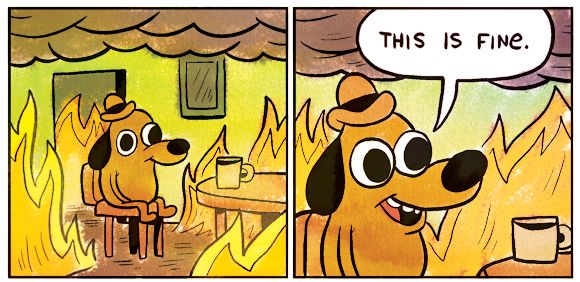 This Is Fine
PICK YOUR CRITERIA
Give your ranking
a point of view.
These are optional starting points. Choose what matters to you and make the tiers reflect it.
Choose your angle: personal favorites, replay value or how often you would use the format.
Consider how clearly each template communicates its joke without extra explanation.
Think about range: does the format work for many situations, or one very particular joke?
Keep your audience in mind; a group-chat favorite can land differently somewhere else.
- 01
Start with this collection
Open the editor with all 8 items in the unranked area. The S, A, B, C and D tiers start empty.
- 02
Set your own order
Drag items into tiers, or select an item and choose a tier. Edit the title, tier labels and colors to explain your choices.
- 03
Download your PNG
Download an image of the result before leaving or reloading. The editable board is temporary; the PNG keeps your finished ranking.
A FEW USEFUL ANSWERS
Before you rank.
Which meme templates can I rank?
The collection below contains the starting images, including Drake Hotline Bling, Two Buttons, Distracted Boyfriend and This Is Fine. Each starts unranked. You can remove items or upload your own images in the editor.
Can I add captions to individual memes?
This editor arranges template images into a tier list. You can edit the board title and tier labels, but it does not add captions to individual meme images.
Can I make a meme tier list on my phone?
Yes. You can select an image and choose a tier instead of dragging it. Tier labels and colors are editable, so you can give your ranking its own rules.
How do I save my meme tier list?
Download a PNG before leaving or reloading the editor. No account is needed. The editable board is temporary, and the downloaded PNG preserves an image of your result rather than an editable project.
YOUR TURN
Where would you put them?
Start unranked. Finish with a tier list that is yours.